My Linux Experience
Hello Everyone!
So here, I wanna share about my Linux experience. Which is already been 1 years since I tried daily drive using Linux.
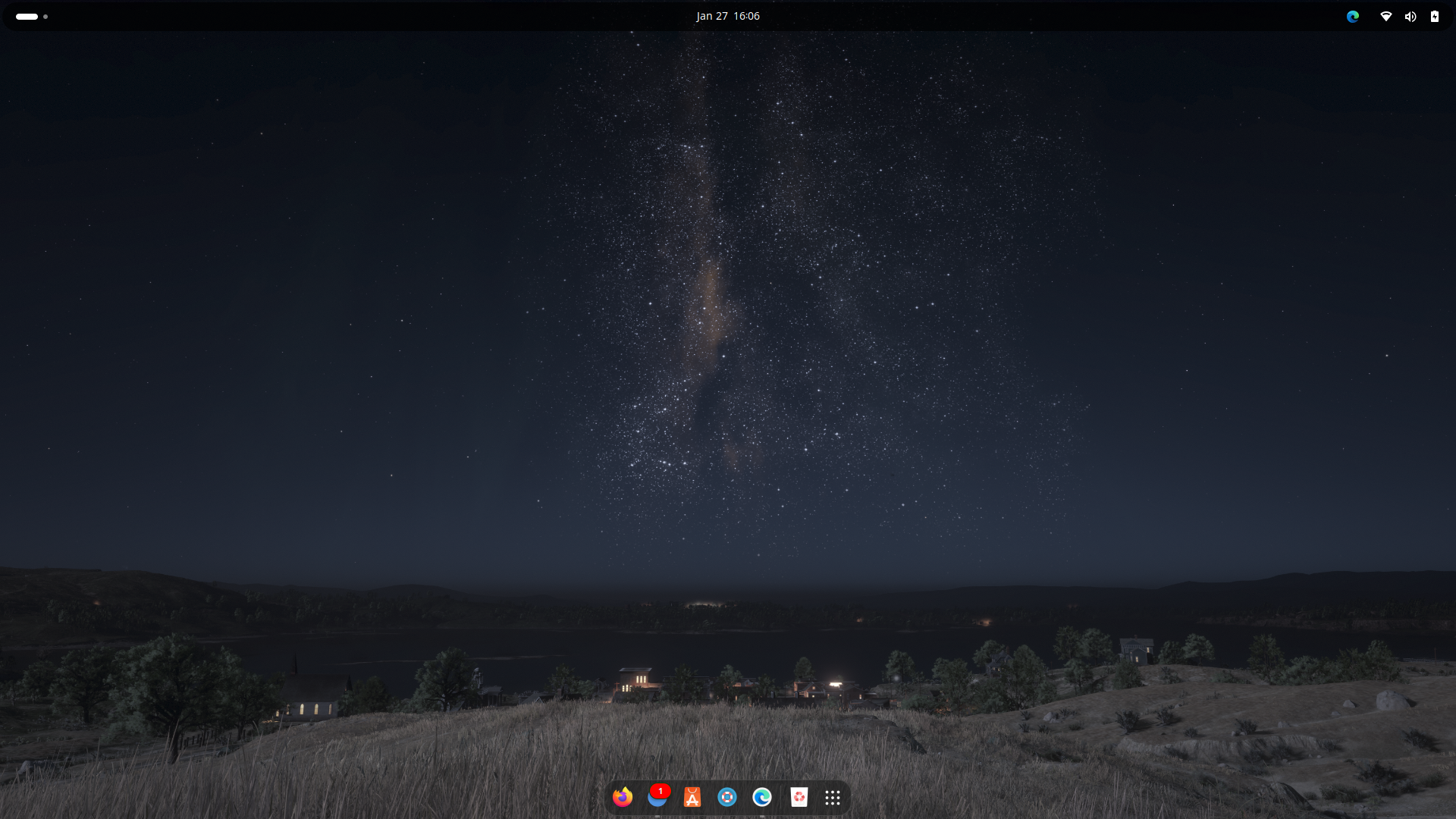 Screenshot from 27-01-2025
So the image above is the first time I’m using Linux, daily. A few years ago, I’ve been trying Linux on my old Laptop, but still I don’t get the maximum potential. I didn’t explore about Linux, what I know is just it being faster than windows, since my old laptop is not that good.
But the first question is why?
As my current laptop is been good enough for daily task and working, I’m using Ryzen 5 6600H which able to handle Forza Horizon 5 in low-medium settings.
It’s Microslop
Yes… I was tired using windows for development. It runs very well on small to medium workload. But not with heavy workload, it was painful. Since I’m actively doing freelance, and runs parallel within my work, also doing other stuff, Windows can’t handle it anymore. The RAM usage that is always full, CPU temperature, the UI itself feels heavy.
Then, it was the moment that I think, I should go to Linux.
At first, I don’t really know what Linux should I use, I don’t really know what “Distro” is, or what is “Desktop Environtment”, I have no idea what they are. Since I’ve been trying Ubuntu on my old Laptop, this is the first Linux distro that I choose.
But how was the experience?
It was amazing, and beautiful… I mean, look at this.
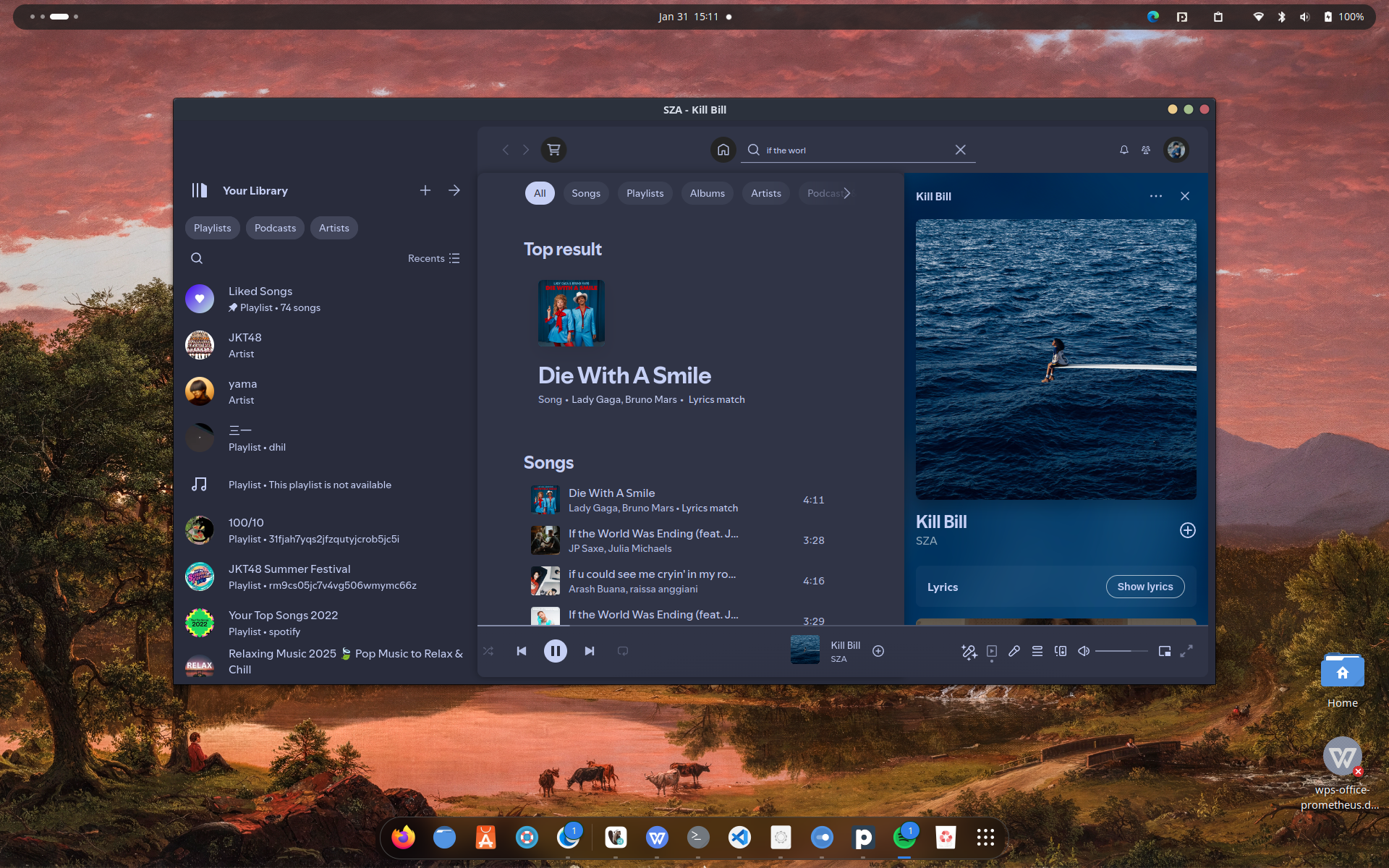 Screenshot from 31-01-2025
Isn’t that look fresh? After being whole time using Windows with that edgy UI, and not being able to do much customization by default. It feels like a freedom..
It might be a little bit dramatic, but seriously, it feels so much better. I don’t say that Windows is bad, because it is. But the performance much more snappier, even that is running Ubuntu (which recently I know there is a bunch of distro that is lighter).
Working, learning, doing other stuff while keep everything running smoothly, and the biggest one is customization. But I’m still keeping Windows using dual boot, because just in case I need Windows for my college.
I was really enjoy using Ubuntu with GNOME for a few month. I can do almost everything inside it. The performance still promising, even after a few month and heavy workload.
Ubuntu is one of most popular Linux Distro, because it give the feel like Windows, and it using LTS kernel. GNOME is Desktop Environtment, which is more like UI for accessing your computer.
I feel very good for a while, but then I saw something in internet, it was Hyprland. It way more amazing than GNOME, I never regret using this WM.
Hyprland is a Window Manager, it is not the same as Desktop Environtment, it just maintaining your window (everytime you open application, it called window), and Hyprland handle it. What make it different to DE is, it doesn’t have things to control your laptop, such as brightness, wifi, bluetooth, etc.
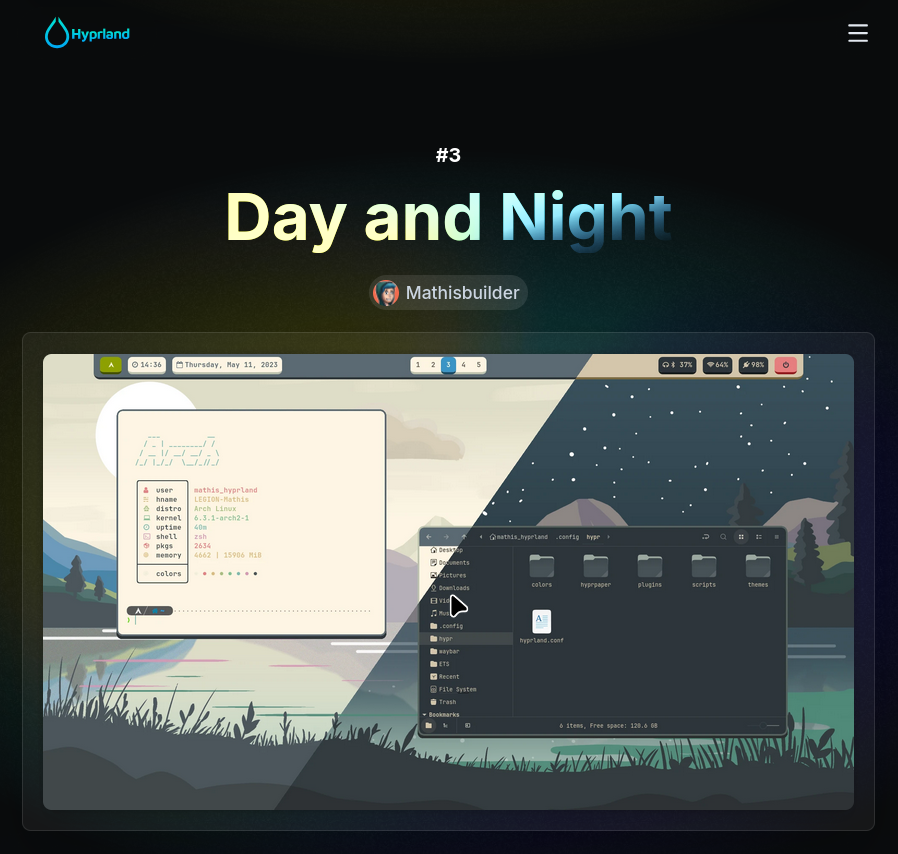 https://hypr.land/hall_of_fame/
That’s very cool right? that’s the first thing that I said, and then I customize my Ubuntu using Jakoolit Hyprland Config. Where it seems to be confusing at first, I don’t even know how to do the basic thing, like opening apps. Yes.. Everything should be spawn using shortcut, which is need for a muscle memory.
I mean, who even think that Super+D to open a drawer to launch an application? Nobody but here they are, Hyprland.
Super is Windows button in your keyboard, or Command in mac.
But all of that suffer is really worth it. The experience, the feels, the speed, everything is perfect.
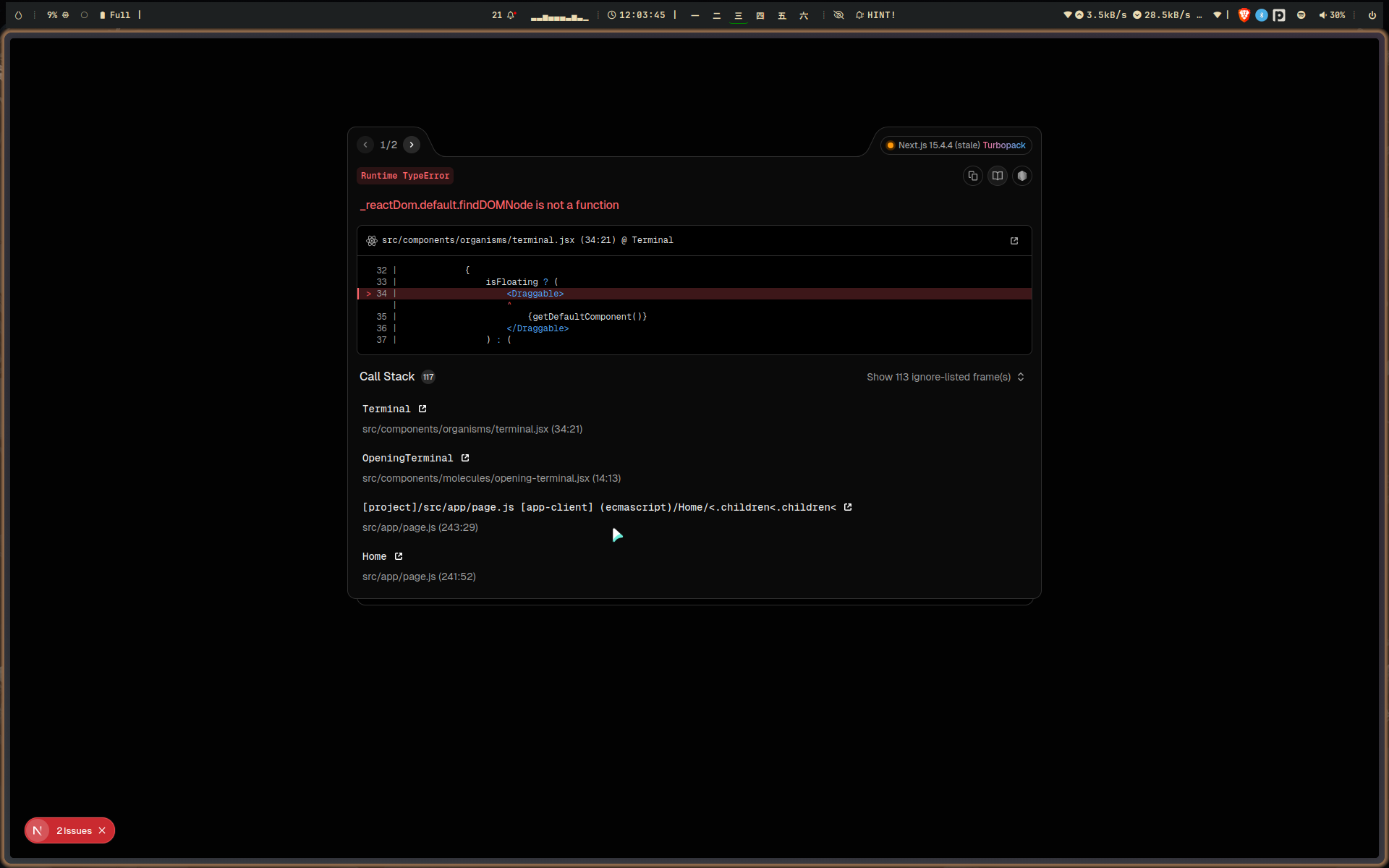 Screenshot from 2025-08-20
Since that day, I’m trying to make myself comfort using Hyprland, with all of those shortcut. What I found is I really like it. I’m staying on Ubuntu for a few months, until someday I felt it become slower. It might be because of so much packages or from the distro itself.
So I switched to Cachy OS.
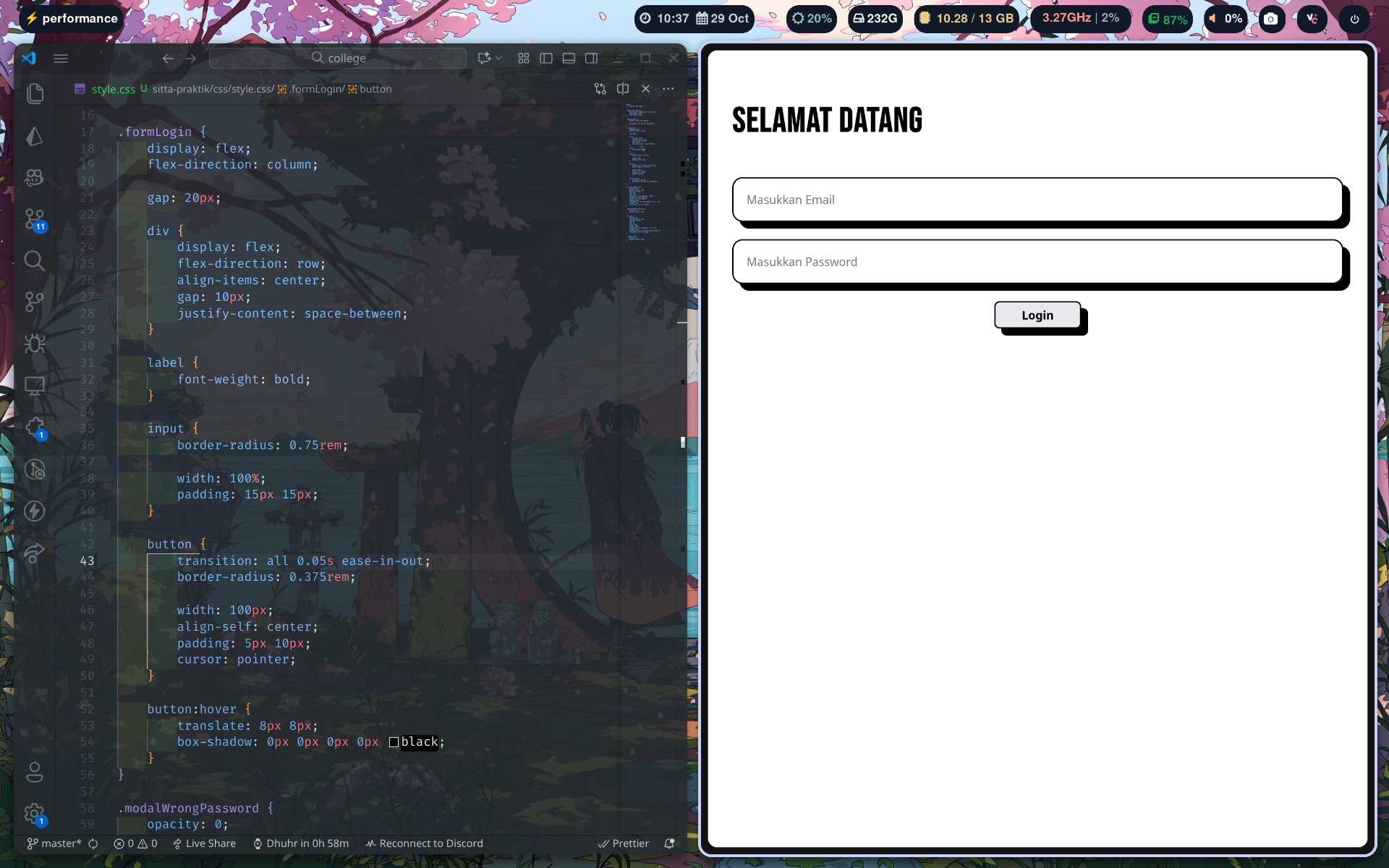 Screenshot from 2025-10-29
What I found in Cachy OS is, much more lighter than Ubuntu. Of course I choose Cachy OS because of it’s based on Arch, Hyprland is updated on Arch linux which will make it more stable and fast.
And it was really amazing, it is another dopamine learning all of this.
Until I get limited for my workflow using Hyprland, it’s forcing me to split everytime I open another window, or I could just switch to other virtual desktop (workspace) and open another window. But still, it requires me to move another workspace just for getting fullscreen application. Also it much more difficult when I’m opening many window at a time.
Long short story, I found something called Niri WM, which is another Window Manager, I’m quite impressed on it’s size, compared to Hyprland it is less than 30 mb.
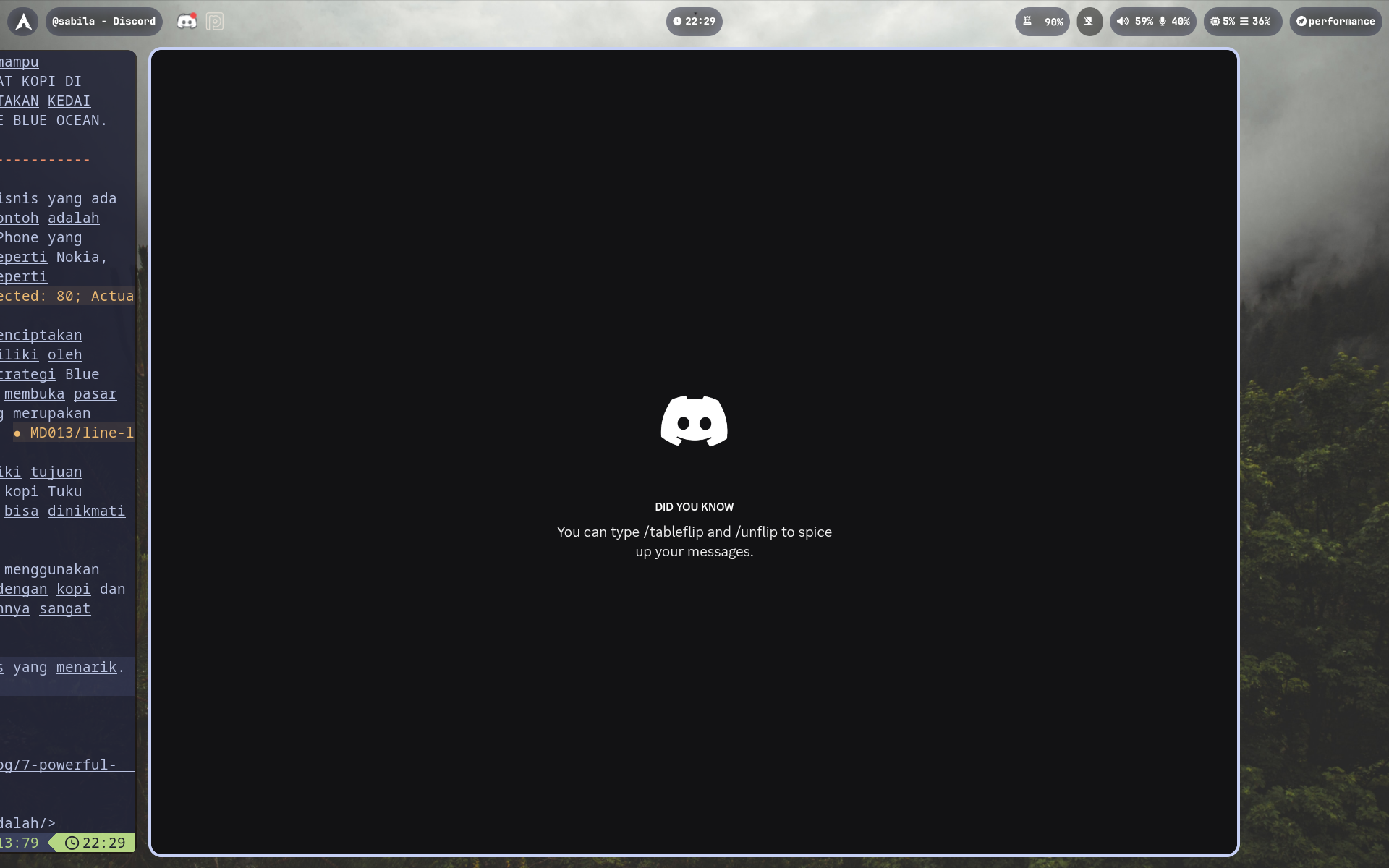 Screenshot from 2025-11-18
But what I make me really want to try, is because of it’s concept.
A scrollable-tiling Wayland compositor.
At least, that’s what they said in their repository. Instead of make window to be split with another window, it stacking beside of other window, and it is infinite, which mean you can just open as much as u want.
The workspace is really useful, on Hyprland the workspace is horizontal. But on Niri, it is vertical, and it perfectly matched what I want and what I need.
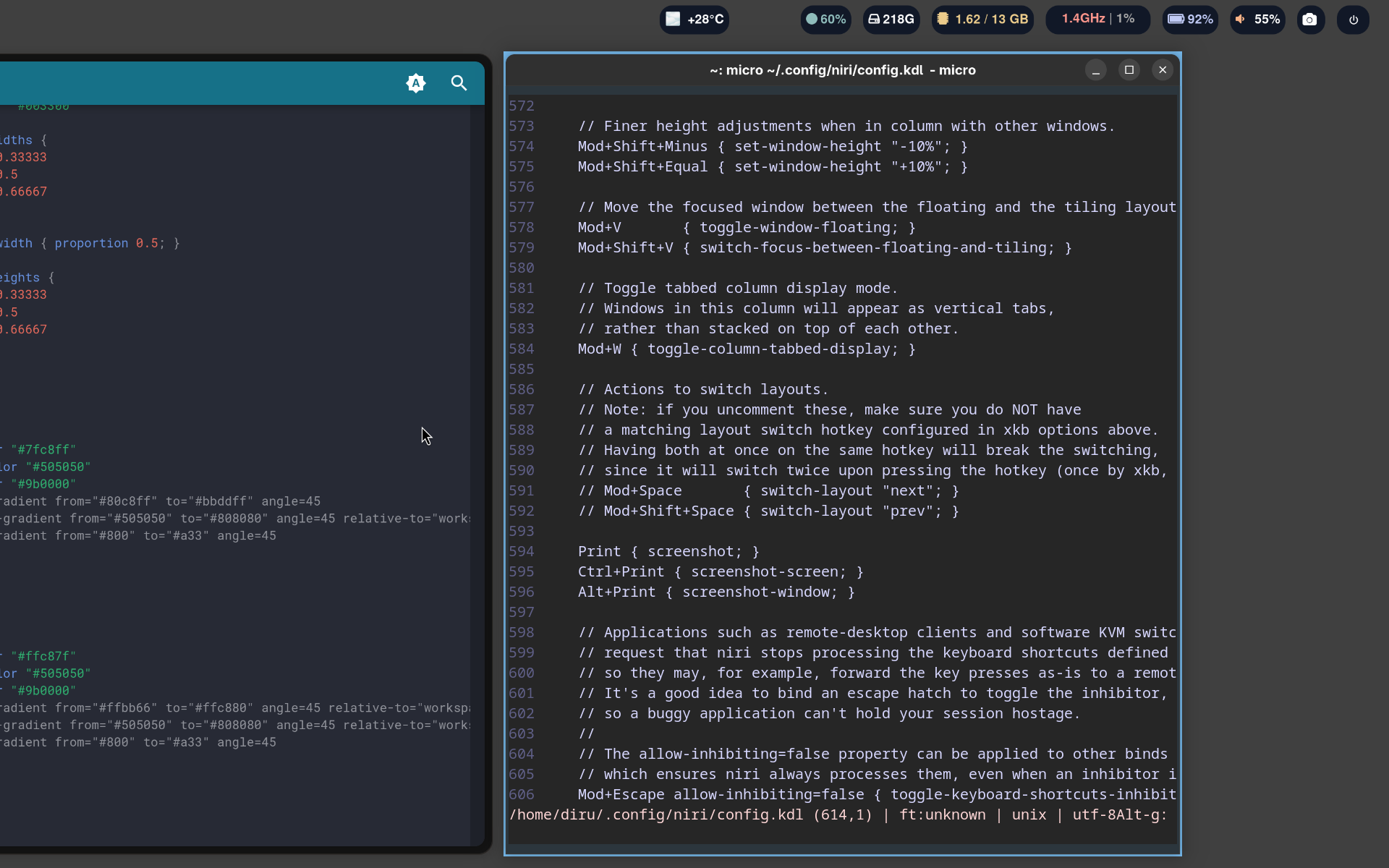 Screenshot from 2025-10-20, first time I’m using Niri
The video above is my current setup using Niri WM with Noctalia Shell for utility, because it’s the same as Hyprland, it doesn’t have utility for wifi, bluetooth and other stuff. I’ve been stayed using Niri for 5 month. It feels very smooth, pretty and make me comfy for long time of work.
I really learn a lot of thing about Linux, fixing stuff when update broke on some plugin, ricing (customizing) my linux with bunch of dotfiles. Since I can do some coding, it is not really that hard to learn, and AI is really helping me out.
Ricing means customizing in linux, and dotfiles means changing application config where it located in ~/.config, started with ”.” (dot).
Conclusion
I never regreting to learn linux, it really improve my knowledge especially in coding. Troubleshooting and finding alternative app is make me struggling too. But trust me, once you like it, you won’t go back to Windows. Imagine waking up, get ready for work and work with your cool desktop. Also, if you have free time for doing some research, it really fun too! “how this is work”, “how can I make it myself”, “how to customize it” and other fun question, leads me to infinite dopamine.
Should you try Linux?
Depends, you can make sure first whether all of your stuff in Windows support on Linux or not. I suggest to dual boot with windows so you can switch anytime. If you really want to try, just do it. If you scared to break your current laptop, just do it inside a VM first.
Trying linux is one of my best decision in life. The pain is really worth it, I learn a lot of stuff like Neovim, Lazygit, terminal for improving my workflow. I will share too about tools I used in Linux.
Thank you for reading this post, let’s discuss about anything in comment below!
See u!